AI Male Model Photos for Kurtas & Sherwanis — 2026 Guide
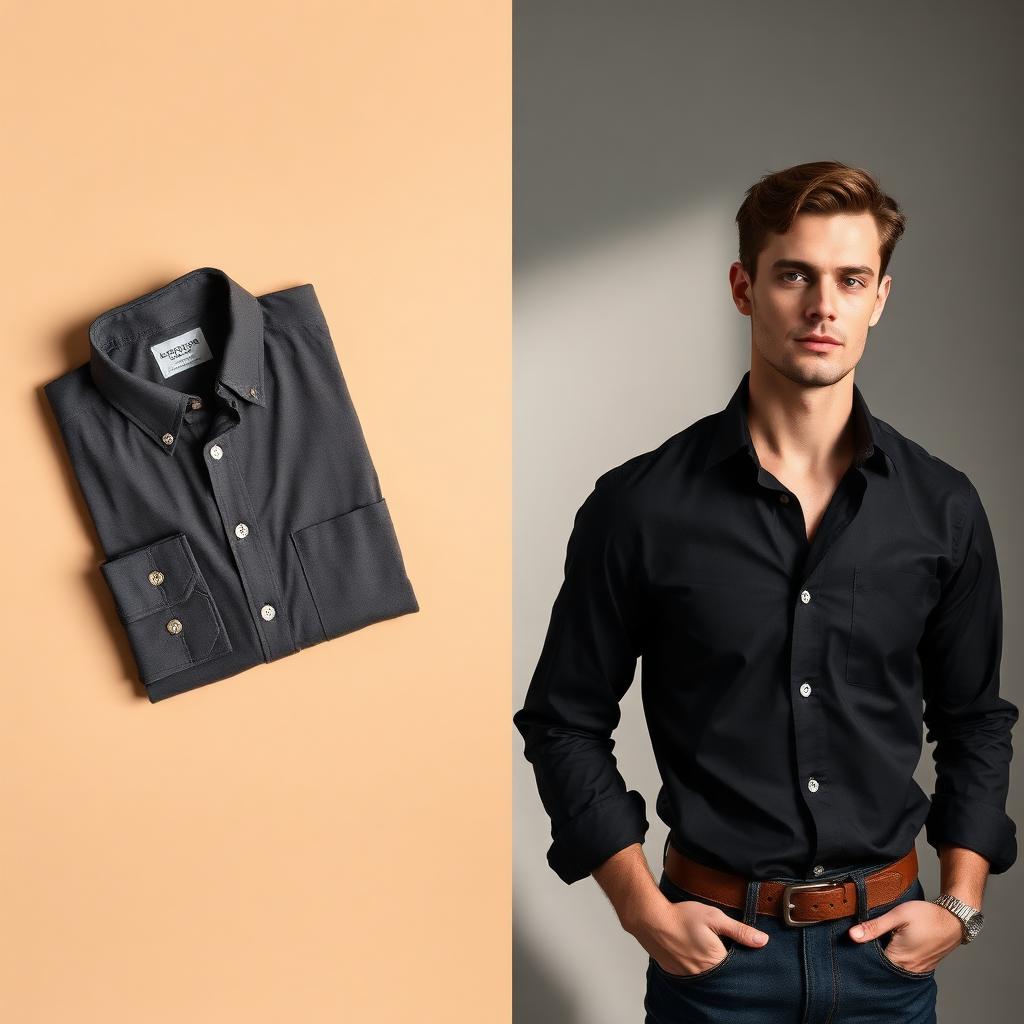
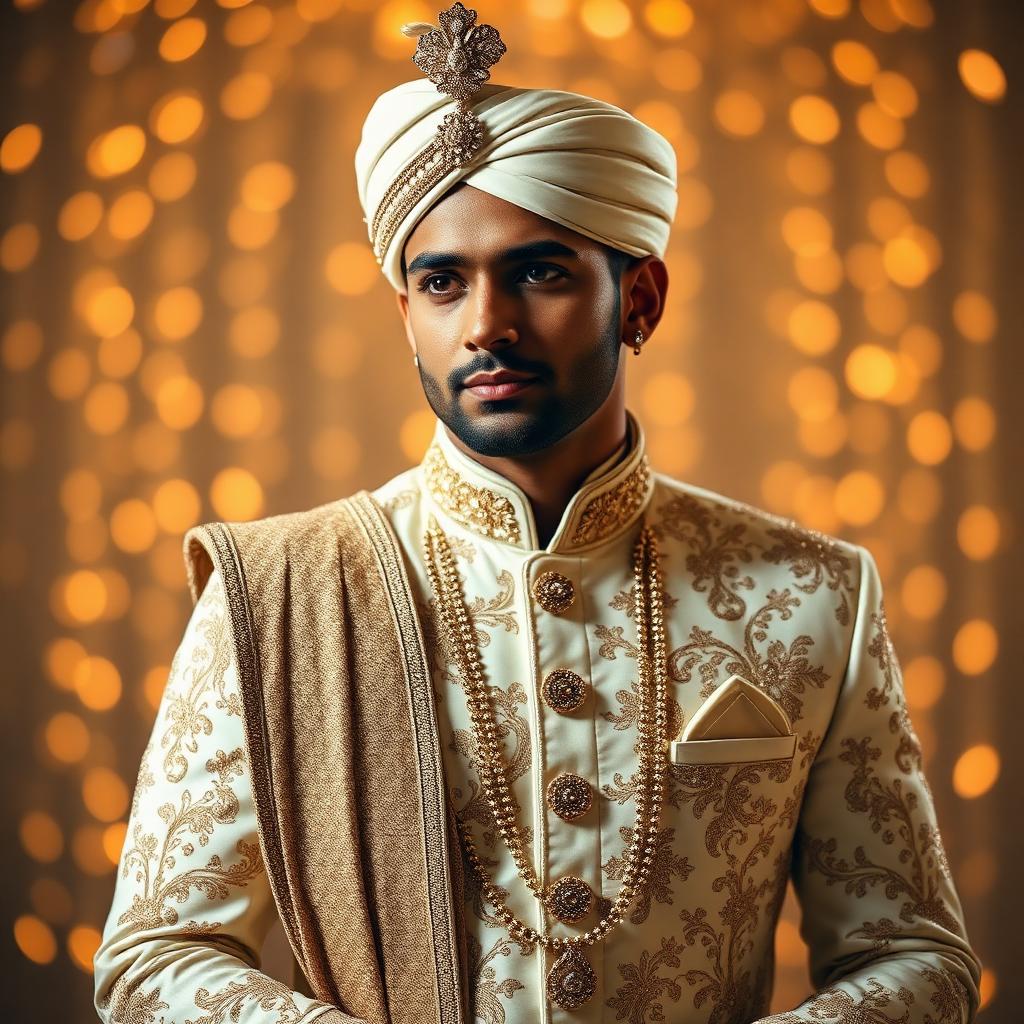
If you sell menswear online — kurtas, sherwanis, kurta-pajama sets or Nehru jackets on Meesho, Amazon, Flipkart, Myntra, your own Shopify store, or directly through Instagram and WhatsApp — you already know one painful truth: flat-lay photos do not sell ethnic menswear. Buyers want to see the fit on shoulders, the fall of the kurta hem, how a sherwani looks with a safa. But booking a groom-style model, stylist, photographer and studio for every SKU is expensive, slow, and impossible to scale when you launch 20–50 new designs each week.
This guide walks you through the modern alternative: AI-generated male-model photography. By the end, you'll know exactly how to upload a kurta or sherwani flat-lay and get back e-commerce-ready male-model photos in under two minutes.
Why AI male-model photography is the right move for Indian menswear sellers in 2026
Three structural shifts have made AI photoshoots the default for fast-moving Indian menswear brands:
- Cost — A traditional menswear shoot in Delhi, Jaipur, Surat or Bengaluru runs ₹18,000–₹50,000 per day. AI generation costs less than ₹50 per pose.
- Speed — Listing a new sherwani used to take 5–7 days from shoot to website. AI cuts that to the same afternoon.
- Consistency — Every model in your catalog can share the same skin tone, height, build and styling, giving your store a premium, unified look.
What you need before you start
- A clean flat-lay or hanger photo of the kurta / sherwani / kurta-pajama set. Front-on, no glare, embroidery clearly visible.
- A ROOH AI account with credits (you get 5 free credits on signup).
- An idea of the vibe — wedding mandap, haveli courtyard, festive stage, or clean studio white.
Step-by-step: from kurta flat-lay to model photo
- Upload the garment in the Create wizard. ROOH AI locks the fabric, embroidery and colour so nothing changes.
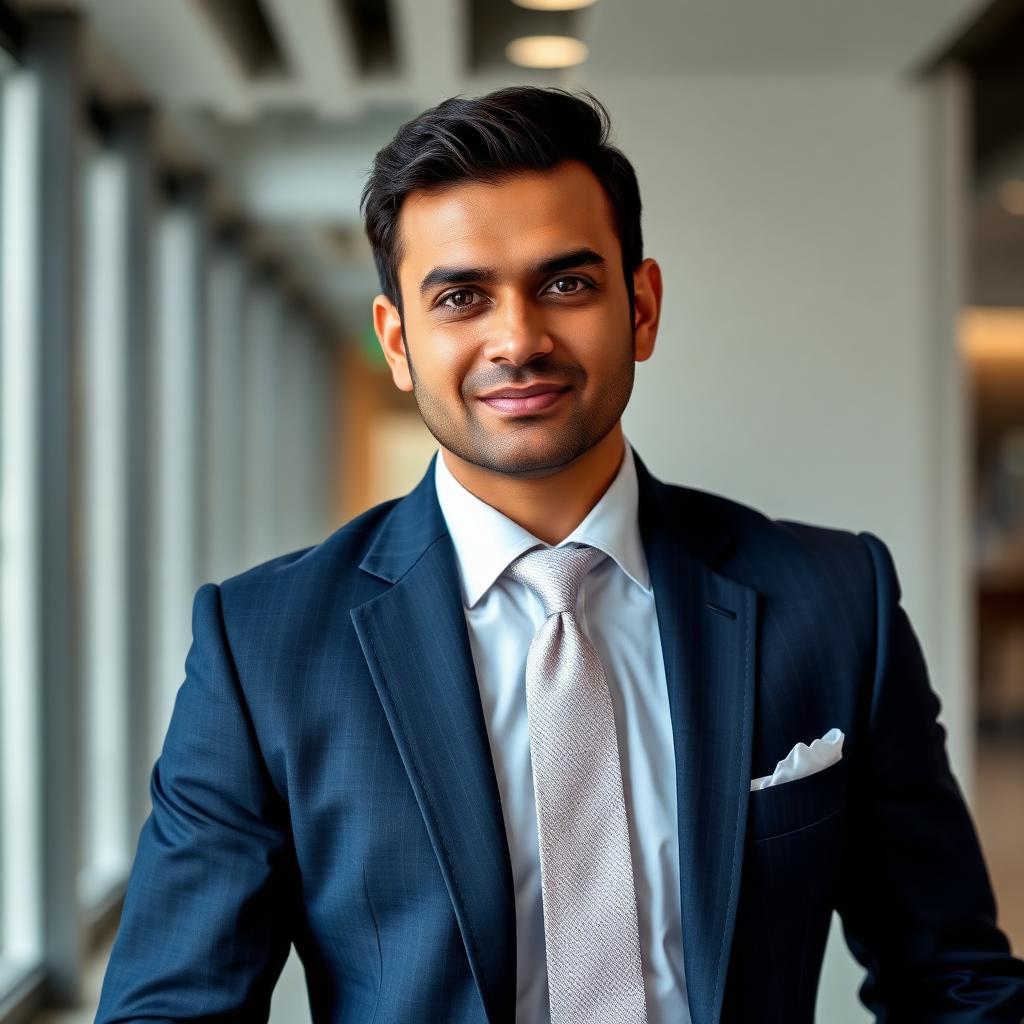
- Pick the male model — age (young / mid / mature), body type (slim, athletic, muscular, XL plus), skin tone (fair to dark), hairstyle (modern, fade, groomed beard, clean-shave).
- Choose the theme — Wedding, Festive, Traditional Home, Studio White, Corporate Lobby, Rooftop, Street or Gym.
- Select poses — hands-in-pocket, three-quarter, walking, seated. Each pose costs 1 credit.
- Generate — photorealistic male-model shots wearing your exact garment, delivered in 15–30 seconds per pose.
Why fabric and embroidery stay intact
ROOH AI's pipeline pixel-locks the source garment. Zardozi work on a sherwani, chikankari on a kurta, prints on a Nehru jacket — everything remains identical. Your buyer sees exactly what ships.
Getting the most out of every generation
See our How It Works page for the full pipeline, and Pricing for credit packs. When you're ready, create your account and try 5 free generations.
Frequently Asked Questions
Will the kurta or sherwani change during AI generation?
No. Fabric, embroidery, colour, zardozi and prints are pixel-locked. Only the male model, pose, and background are AI-generated.
Can I use these AI male-model photos on Myntra, Amazon and Flipkart?
Yes. Every image is delivered in commercial-use resolution and you have full rights to publish on marketplaces, your own website, print catalogs and ads.
How many poses should I generate per SKU?
For most kurta and sherwani listings, 3–4 poses (front, side, three-quarter, walking) convert best. Use 5+ for hero SKUs and wedding-season sherwanis.
Do you support kids' and senior male models?
Yes. Kids Boys, Teen Boys, Adult Men and Senior Men are all supported, with skin tone and body-type controls.
Ready to try ROOH AI?
Sign up free and get 5 credits to generate your first AI model photoshoot.
Start free trialExplore AI photoshoots by garment
- AI shirt & t-shirt photoshoots
- AI kurta & sherwani photoshoots
- AI blazer & suit photoshoots
- AI jeans & bottoms photoshoots
- AI sportswear photoshoots
- AI uniform photoshoots
Or see before & after results, how it works and pricing.